
Save replay
Save the replay buffer to a file.
- Where
- + Add actionOBS StudioOBS: save replay+ Add actionStreamlabsStreamlabs: save replay
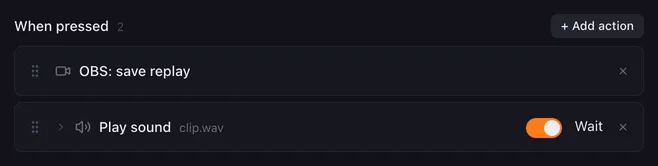
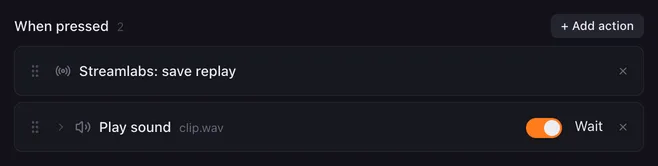
Something great just happened on stream. Save replay writes the last seconds the replay buffer holds to a file, so you can clip it later. The action has no settings.
How it runs
Section titled “How it runs”- The replay buffer has to be running. Start it with Stream, record, replay or in the app. If it is not running, the app refuses and the log notes it.
- The file lands where the app saves replays; its length is set in the app.
- Errors are noted in the log and the macro goes on.
Example
Section titled “Example”A “Clip it” pad that confirms with a sound:
- Save replay
- Play sound
clip.wav
Give it an active colour so the pad lights while the macro runs.
Related
Section titled “Related”- Stream, record, replay — start the replay buffer
- Play sound