
Studio mode
Turn studio mode on or off, or transition the preview scene to the program.
- Where
- + Add actionOBS StudioOBS: studio mode+ Add actionStreamlabsStreamlabs: studio mode
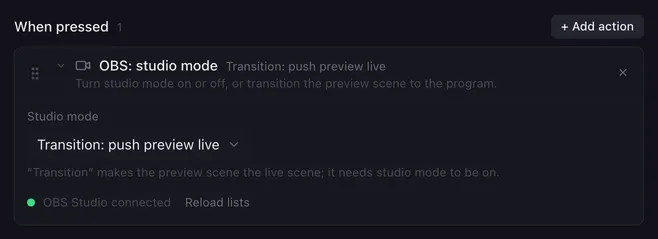
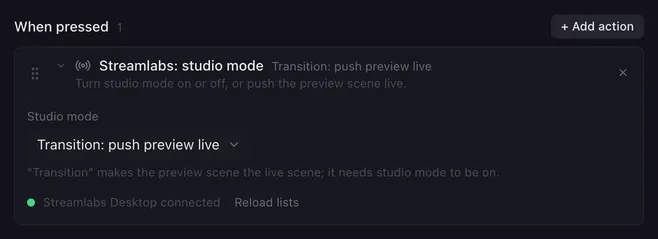
In studio mode, the app shows a preview next to the live output: you set up the next scene, then send it live with a transition. This action switches studio mode itself and gives you the transition button on a pad.
Settings
Section titled “Settings”| Setting | What it does |
|---|---|
| Studio mode | Turn on, Turn off, Toggle, or Transition: push preview live. |
How it runs
Section titled “How it runs”- Turn on while studio mode is on, or Turn off while it is off, changes nothing.
- Transition: push preview live makes the preview scene the live scene, with the transition set in the app. It needs studio mode to be on; otherwise nothing happens (Streamlabs Desktop also notes it in the log).
- In OBS Studio, Switch scene changes the live scene directly, also in studio mode.
- Errors are noted in the log and the macro goes on.