
Stream, record, replay
Start, stop or toggle the stream, the recording or the replay buffer.
- Where
- + Add actionOBS StudioOBS: stream, record, replay+ Add actionStreamlabsStreamlabs: stream, record, replay
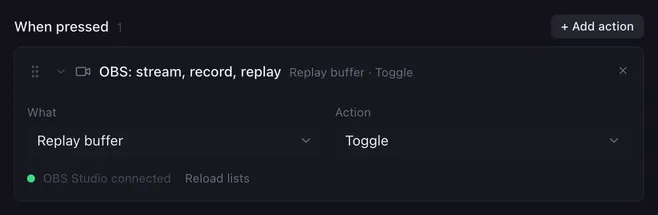
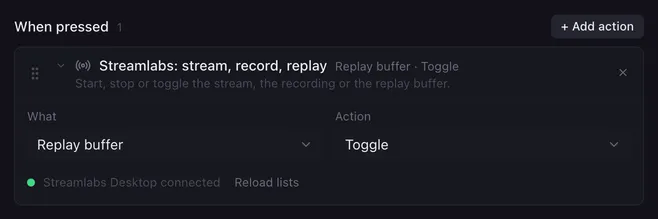
This action runs the big switches of your streaming app: going live, recording, and the replay buffer that keeps the last moments ready to save.
Settings
Section titled “Settings”| Setting | What it does |
|---|---|
| What | Stream, Recording or Replay buffer. |
| Action | Start, Stop or Toggle (start when off, stop when running). |
How it runs
Section titled “How it runs”- Start on something already running, or Stop on something that is off, changes nothing. Streamlabs Desktop checks first; OBS Studio refuses the request, which ends up in the log.
- The replay buffer has to be set up in the app before it can start (in OBS Studio under Settings → Output → Replay Buffer).
- Errors are noted in the log and the macro goes on.
Example
Section titled “Example”A “Go live” button:
- Switch scene
Starting soon. - Stream, record, replay: Replay buffer, Start.
- Stream, record, replay: Stream, Start.